For documents that need more than word-by-word translation
PDFs often mix headings, tables, footnotes, scanned pages, and long paragraphs. A useful PDF translator should help preserve meaning across the whole page, not just swap isolated words.
 AI PDF Translator
Translate PDF
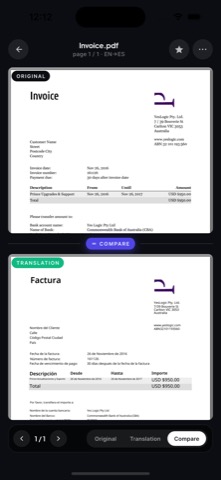
AI PDF Translator helps you turn dense PDF pages into readable translated text while keeping the original document close enough to review context, page flow, and important details.

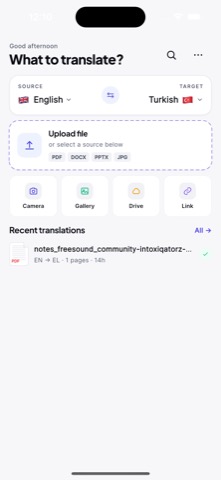
translate PDF
PDFs often mix headings, tables, footnotes, scanned pages, and long paragraphs. A useful PDF translator should help preserve meaning across the whole page, not just swap isolated words.
Translate study material, product manuals, legal drafts, client files, travel documents, and academic papers from your phone. Review the translated result next to the original before you rely on it.
Translate the documents people handle every day: school material, invoices, travel files, client PDFs, manuals, and scanned pages that need a quick first read.
FAQ
The app is designed for PDF translation workflows that may include scanned pages. OCR quality depends on the original scan, lighting, page angle, and text clarity.
The goal is to keep translation easy to review against the original. Complex tables, handwriting, stamps, and multi-column pages may need manual checking.
Use a PDF translator that lets you check the translated text against the original page, especially for legal, academic, or technical documents.